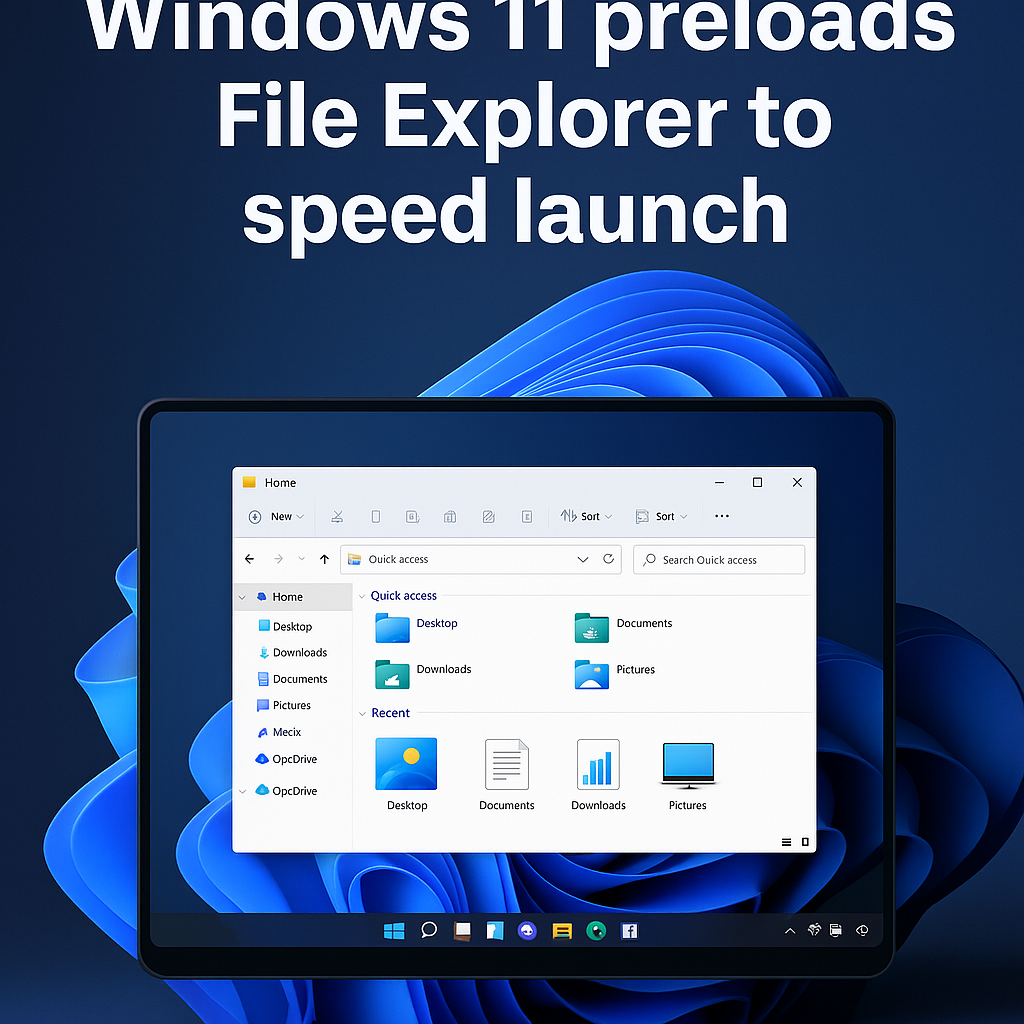
Microsoft tests background preloading for File Explorer
Microsoft is experimenting with a Windows 11 performance tweak that preloads File Explorer in the background to make it open faster, according to reporting from Windows Central. The change is being trialed in Windows Insider preview builds, where Microsoft often tests UI and performance adjustments before they reach broad Windows 11 releases. The goal: reduce the perceived latency when users open File Explorer, historically one of the most-used shell apps on Windows PCs.
What Microsoft is changing and why it matters
File Explorer is the default file manager in Windows and one of the most frequently launched apps on both desktops and laptops. Users and benchmarks have long noted that Explorer can take a noticeable fraction of a second to initialize, especially on cold boot or on systems with many shell extensions. By preloading portions of Explorer into memory in the background — effectively warming the app before user action — Microsoft aims to deliver near-instant opens.
This approach leans on techniques that are not new to Windows: the OS already uses prefetching, Superfetch (SysMain), and other memory-management strategies to warm commonly used binaries. Microsoft has previously used similar pre-launch tactics for other products, including Startup Boost for Microsoft Edge and background app pre-launch on modern Windows 10/11 builds. The current tests appear to extend that pattern specifically to File Explorer.
How the preload works and trade-offs
Details reported by Windows Central indicate the tweak proactively loads Explorer components into RAM before user interaction, likely during idle moments after sign-in. The benefit is faster launch times and a smoother UI experience. The trade-offs are familiar: increased memory usage, a marginal uptick in CPU work during idle periods, and potentially higher battery use on laptops if not tuned carefully.
On well-provisioned desktops the impact will be negligible, but on low-RAM systems — older laptops or inexpensive tablets — users could see less free memory for other active workloads. Administrators in enterprise environments will also want visibility into when and how Microsoft triggers preloads to manage resource contention and power policies.
Context: Windows performance tuning and File Explorer history
Windows 11 launched in October 2021 and has undergone incremental UI and performance refinements since. File Explorer itself has been updated several times — from the introduction of the modern command bar and context menus to tabbed browsing added in later feature updates. Performance remains a core focus as Microsoft tries to reconcile richer visuals with snappy responsiveness.
Historically Microsoft has used telemetry from the Windows Insider program (created in 2014) to evaluate such changes in real-world conditions before pushing them to the Beta and Release Preview channels. That path helps the company observe impacts across a wide range of hardware, from high-end gaming rigs to ARM-based laptops.
Expert perspectives and industry reaction
Industry analysts say the change is logical if implemented with configurable controls. “Preloading frequently used shell components is an effective way to reduce perceived latency, but it must respect device resources and battery constraints,” says a PC performance analyst. Independent testers note such preloads can shave tens to hundreds of milliseconds off launch times — not dramatic in absolute terms, but meaningful for perceived responsiveness.
Security and IT administrators will weigh performance gains against manageability. “Enterprises will want policy-level controls to disable or throttle background preloads on managed devices,” says another analyst focusing on enterprise endpoint management. Microsoft typically exposes such toggles via Group Policy or Intune for rollout controls.
Implications and what to expect next
If the preload experiment proves successful in Insider rings, Microsoft could flip the setting on in a future Windows 11 cumulative update or feature update. Expect telemetry and user feedback to shape the final implementation: options to restrict preloading on battery power, to exclude low-memory devices, or to provide an opt-out for enterprise scenarios are all plausible.
For users, the change promises snappier File Explorer launches without changing workflows. For device makers and IT admins, it adds another variable to balance performance, memory pressure, and power management.
Conclusion: a small tweak with practical benefits
Preloading File Explorer is a relatively modest optimization with outsized perceived benefits — shaving small delays that add up over hundreds of daily interactions. As Microsoft tests the feature in Windows Insider builds, the real-world impacts will become clearer. Watch for controls exposed to IT admins, and expect the company to fine-tune triggers so the preload improves responsiveness without unduly burdening memory or battery life.
Related topics: Windows Insider program, Windows 11 performance, File Explorer updates, Startup Boost, SysMain (Superfetch).
About the Author