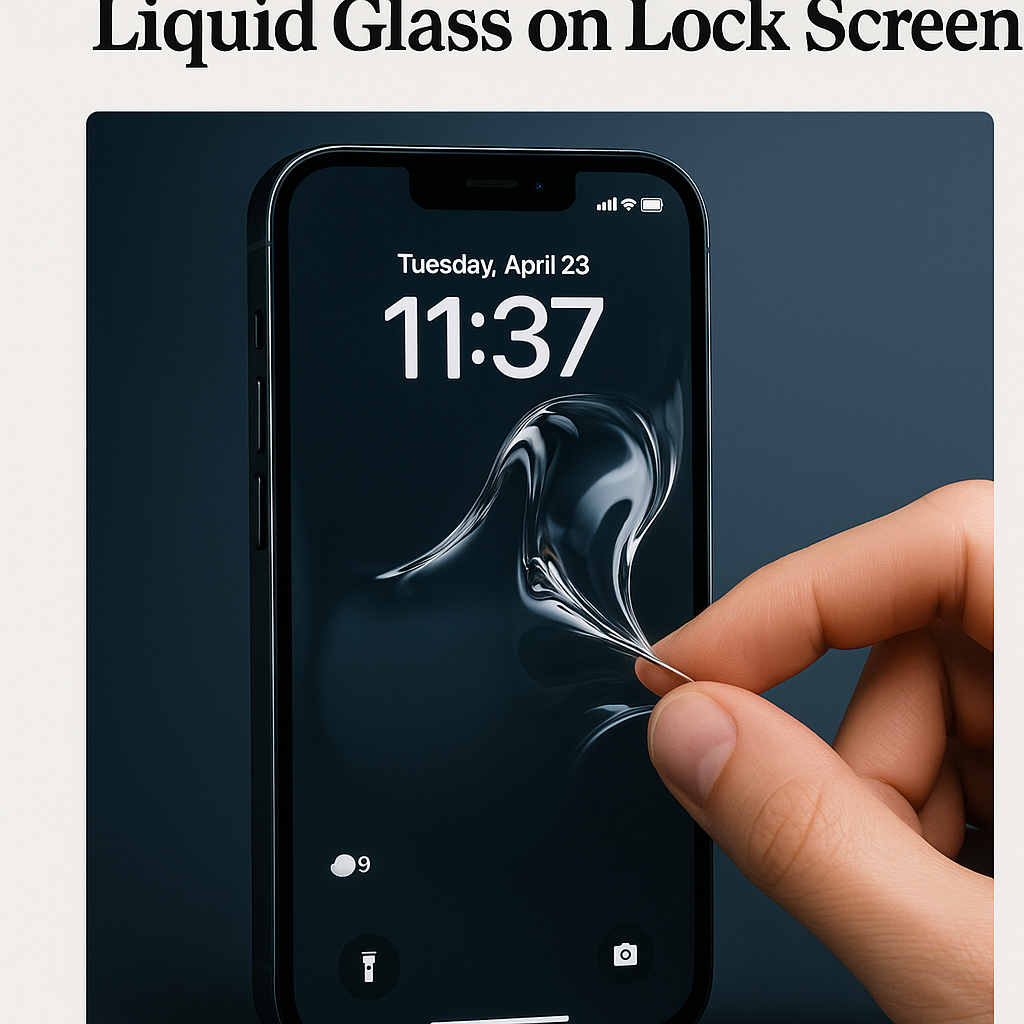
Apple expands Liquid Glass rollback to the Lock Screen
With the arrival of iOS 26.2, Apple has added a new option that lets iPhone users roll back Liquid Glass — the glossy, animated wallpaper effect introduced earlier in iOS 26 — specifically for the Lock Screen. The change, pushed in the 26.2 update to iPhone models running the latest OS, gives users a one-tap way to revert from Liquid Glass to a flatter wallpaper on the Lock Screen to reduce GPU load, preserve battery life and address accessibility concerns.
Background: Liquid Glass and earlier rollbacks
Liquid Glass debuted as a signature visual in iOS 26, a set of dynamic wallpapers and subtle translucency effects that animate in response to device motion and ambient light. While praised for aesthetics, Liquid Glass has been linked by some users to higher power draw and occasional interface stutters on older hardware. Apple began offering rollback toggles for certain Liquid Glass elements in earlier 26.x updates, and iOS 26.2 extends that control specifically to Lock Screen visuals — an area many users interact with dozens of times daily.
What iOS 26.2 changes mean for users
The Lock Screen rollback is accessible from Settings > Wallpaper > Liquid Glass, where a new Lock Screen toggle appears alongside Home Screen options. Turning the toggle off replaces the dynamic Liquid Glass Lock Screen with a static or less demanding wallpaper variant while preserving Live Photo and Focus customizations. Apple’s release notes emphasize that the rollback is reversible and that Liquid Glass will continue to be available by default on supported devices.
Performance, battery and accessibility
Industry observers say the Lock Screen pivot addresses three common issues: GPU utilization, battery consumption and motion sensitivity. Dynamic wallpapers animate on the GPU and can add to thermal load, especially during background tasks like fetching notifications or updating widgets. For users on older iPhones — where peak performance budgets are already constrained — the rollback may yield measurable improvements in frame-rate consistency and marginal battery savings during heavy notification cycles.
Expert perspectives
Display and mobile UX analysts welcomed the move as pragmatic. An industry analyst who consults for multiple OEMs said that giving end users control over optional visual effects aligns with broader trends toward configurable energy profiles. “Allowing users to opt out of high-fidelity animations at the Lock Screen is a sensible trade-off for longevity and smoother day-to-day responsiveness,” the analyst noted.
Accessibility advocates also see value. People sensitive to motion or with vestibular disorders have long requested easier toggles for motion-heavy UI elements. Apple’s addition of a dedicated Lock Screen rollback complements existing accessibility settings such as Reduce Motion, offering a simpler, more discoverable route to a less animated experience.
Implications for Apple and the ecosystem
For Apple, the change balances flagship polish with practical usability. Liquid Glass remains an identity element for iOS — a design differentiator that showcases Apple’s attention to materials and motion — but the company is acknowledging fragmentation in device performance and user preference. Developers and accessory makers may need to account for both dynamic and static Lock Screen states when designing widgets, Live Activities and notification layouts.
Carriers and enterprise IT teams may also take notice. Rolling back heavy system visuals can improve battery profiles for managed fleets and extend device uptime between charges — a small operational win for businesses standardizing on iPhones.
How to decide whether to roll back
Users weighing the toggle should consider three factors: visual preference, battery tolerance and device age. For owners of the newest iPhone models with larger thermal and GPU headroom, Liquid Glass will likely remain a smooth, low-cost flourish. For older handsets, or users who prioritize battery life or reduced motion, the Lock Screen rollback is an easy, reversible setting that can improve the everyday experience.
Conclusion: A pragmatic UI compromise
iOS 26.2’s Lock Screen rollback for Liquid Glass is a modest but meaningful update that underscores Apple’s growing willingness to give users control over optional system effects. It preserves the company’s design ambitions while addressing real-world performance and accessibility concerns. For readers, it’s worth checking Settings after updating: if your Lock Screen feels laggy or your battery dips faster than expected, toggling Liquid Glass off may offer an immediate, tangible improvement.
Related topics to explore: our review of iOS 26’s design changes, tips to optimize iPhone battery life, and how widgets and Live Activities adapt to Lock Screen variations.
About the Author