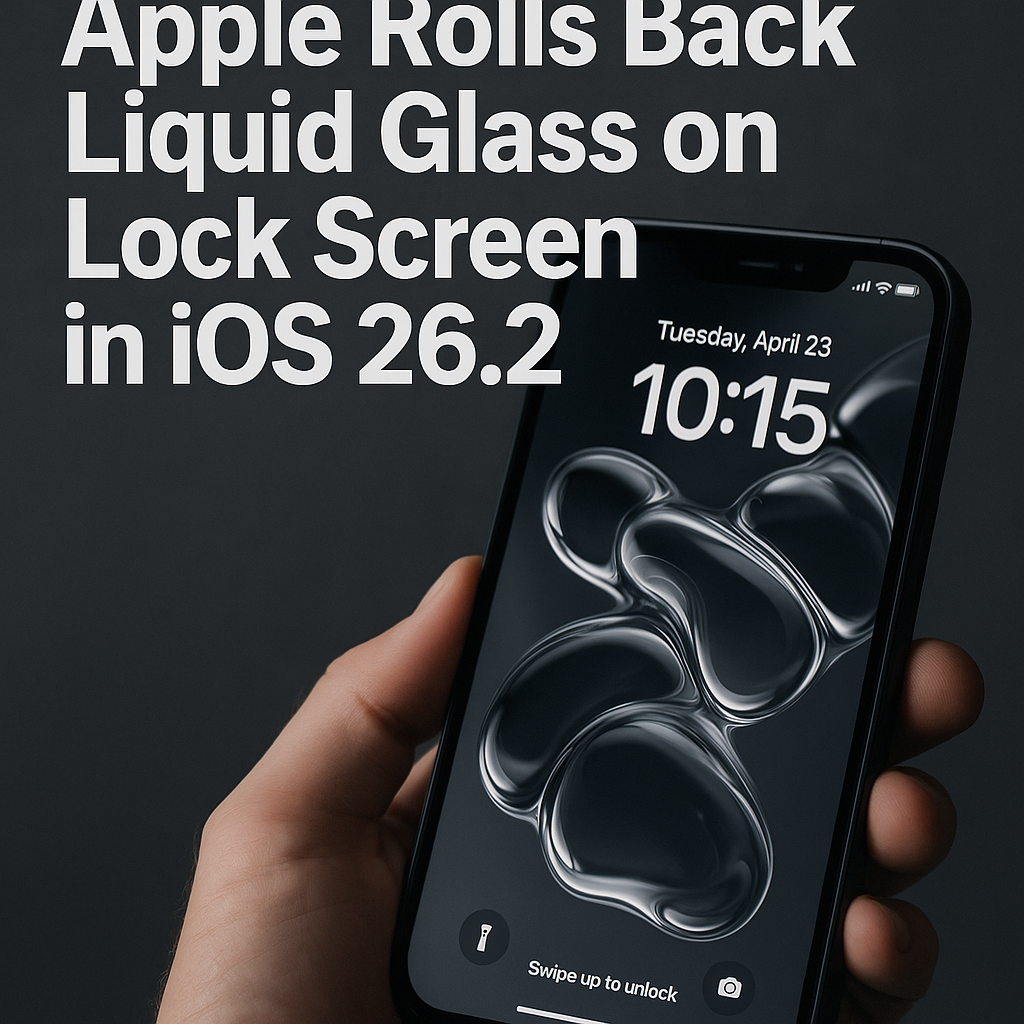
Apple brings Lock Screen rollback for Liquid Glass in iOS 26.2
Apple has added a new escape hatch for its controversial Liquid Glass visual treatment in iOS 26.2, letting users revert the effect specifically on the Lock Screen. The change — introduced in the iOS 26.2 developer and public beta builds this week — extends an earlier rollback option and gives users finer control over motion-heavy wallpaper animations, battery behavior and privacy cues when their device is locked.
Background: Liquid Glass, motion and user backlash
Liquid Glass debuted as part of Apple’s broader visual refresh in iOS 26, where the company leaned into more dynamic, liquid-like wallpaper animations and translucency across system UI. While Apple framed Liquid Glass as an aesthetic and expressive update, some users quickly reported issues ranging from increased power draw to motion-sickness triggers for people sensitive to parallax and animation.
In response, Apple previously added a general “roll back” toggle that let customers switch back to static wallpaper treatments in an earlier point update. iOS 26.2 makes that capability more granular: the rollback can now be applied just to the Lock Screen, preserving Liquid Glass elsewhere — for example in the Home Screen or system chrome — while avoiding its effects where people glance most frequently.
How the Lock Screen rollback works
The new setting appears in Settings > Wallpaper and Lock Screen after installing iOS 26.2 beta. Users can choose between the default Liquid Glass Lock Screen, a static Lock Screen, or a reduced-motion Lock Screen that preserves some visual depth without full animation. Apple’s release notes for the beta emphasize that the rollback is intended to address issues around battery life and accessibility, and that it will not remove Liquid Glass assets for developers who want to continue using them in widgets and apps.
Why this matters: performance, accessibility and privacy
Lock Screen behavior impacts a device’s perceived performance and privacy more than many realize. The Lock Screen is the first surface users and bystanders see; motion and animations are processed constantly as notifications arrive and as people pick up their phones. Reducing those animations can cut GPU cycles and thus battery consumption, particularly on older iPhone models with less thermal headroom.
From an accessibility standpoint, Apple has long offered a “Reduce Motion” option, but Liquid Glass’s per-surface rollback gives people who are sensitive to motion a more targeted fix. Privacy advocates also note that animated wallpapers can be used to infer ambient activity or draw unwanted attention; a static Lock Screen reduces an easily visible visual cue, which can be preferable in public settings.
Expert perspectives
Industry analysts say the move signals Apple’s willingness to be responsive to user feedback without fully abandoning a bold design direction. “Apple is balancing product aesthetics with real-world usability,” said a mobile UX consultant who has worked with consumer-facing brands. “Giving users granular control is the right trade-off — you avoid alienating design-forward customers while fixing practical pain points for others.”
Developers and hardware watchers are also paying attention: Apple’s incremental approach preserves developer investments in Liquid Glass assets while preventing churn from frustrated users. Lowering the visual intensity on Lock Screens could reduce framework-level GPU load, which benefits older iPhone models where thermal throttling becomes visible.
Implications for users and developers
For end users, the immediate value is simple: fewer motion effects where they’re most intrusive and the potential for better battery life on certain models. For enterprises and device managers, the setting could be included in future Mobile Device Management (MDM) policies to impose a consistent Lock Screen behavior across company fleets.
For developers and designers, Apple’s stance implies Liquid Glass will stick around as a stylistic option rather than a mandatory platform look. That reduces the pressure to retrofit apps to accommodate the effect and gives teams time to selectively adopt Liquid Glass in contexts that make sense for their content.
What’s next
iOS 26.2 remains in beta as Apple collects feedback from developers and public testers; a broader rollout typically follows after a few beta cycles. Observers will be watching telemetry for battery and thermal metrics to see whether the Lock Screen rollback measurably improves real-world performance. Meanwhile, the change underscores a broader trend: major platform makers are increasingly building user-level controls that let people tailor visual systems to their needs.
Related reading: updates to iOS visual design, accessibility features, Mobile Device Management and developer guidance on dynamic wallpapers.
About the Author