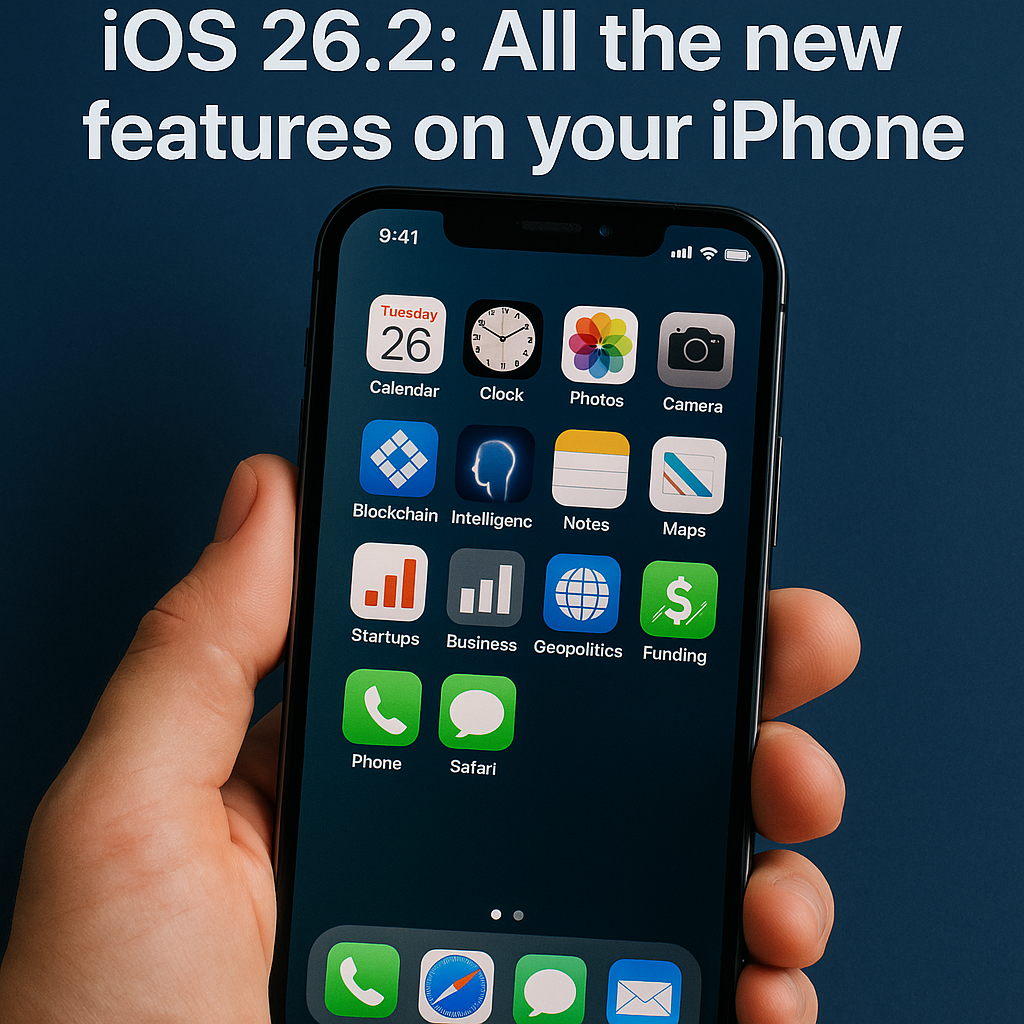
Apple ships iOS 26.2 — what 9to5Mac found
Apple’s incremental iOS 26.2 update is now rolling out to iPhones, and 9to5Mac has published a detailed roundup of the changes users will see. The release is positioned as a maintenance-focused update with a handful of user-facing enhancements across Messages, accessibility, and system performance, alongside security patches and bug fixes. iPhone owners can check for the update in Settings > General > Software Update.
What’s new: features and practical tweaks
According to 9to5Mac’s coverage, iOS 26.2 doesn’t reshape the platform the way major annual releases do, but it brings a series of useful refinements. Highlights reported include:
- Messages improvements — tweaks to message composition and search that help users find attachments and shared content faster.
- Live Voicemail and telephony tweaks — improved transcription accuracy and interface refinements for voicemail playback.
- Battery and performance optimizations — background task scheduling adjustments that aim to stabilize battery life on older devices.
- Accessibility enhancements — new VoiceOver gestures and expanded hearing-aid compatibility settings that increase inclusivity for users with disabilities.
- Security and privacy fixes — patching of multiple WebKit and kernel issues to close known attack vectors.
9to5Mac’s report emphasizes that many changes are iterative: small UI polish, reliability improvements, and under-the-hood fixes that are nonetheless important for day-to-day use.
Background: why Apple issues these mid-cycle updates
Apple follows an annual cadence for major iOS releases while issuing point updates throughout the year. Point releases like iOS 26.2 serve several functions: they address security vulnerabilities, fix regressions introduced by earlier releases, refine newly introduced features, and sometimes deliver modest feature additions that weren’t ready for the flagship update. For enterprises and IT teams, these updates are also an opportunity to deploy critical patches for managed fleets in MDM environments.
How this fits into Apple’s update strategy
Historically, Apple has used point releases to reduce fragmentation and maintain a baseline of security across the iPhone ecosystem. Developers monitoring SDK stability and API behavior will welcome fixes that reduce unexpected app crashes, while consumers get immediate benefits in usability and reliability.
Expert perspectives and industry analysis
Industry analysts see iOS 26.2 as part of Apple’s ongoing quality-of-life work. Jane Manchun Wong, a mobile researcher known for tracking iOS changes, often points out that smaller releases surface iterative changes before they’re finalized. Security-focused analysts at firms like Mandiant typically advise prompt installation of point releases due to their inclusion of WebKit and kernel patches.
“Point updates rarely introduce dramatic features, but they’re critical for stabilizing the platform,” said an iOS developer who asked not to be named. “For app developers, fewer edge-case bugs in the OS mean less firefighting and more predictable behavior across device models.”
Upgrade guidance and considerations
Before installing iOS 26.2, users should back up their device via iCloud or a local computer. Organizations running managed devices should validate the update in a test group to ensure compatibility with enterprise apps and MDM policies. If you rely on jailbreak tools or specialized accessibility software, confirm vendor compatibility before upgrading.
Who should install now — and who might wait
Individuals who prioritize security and stability should install the update promptly. Power users who depend on specialized workflows or early adopters running beta builds may choose to wait a few days for community feedback. As always with iOS updates, keeping apps updated alongside the OS is important to avoid unexpected issues.
Conclusion: the implications of iOS 26.2
iOS 26.2 is a textbook example of Apple’s incremental update approach: modest user-facing tweaks paired with essential bug fixes and security patches. While it won’t change how you use your iPhone day-to-day, it’s worthwhile for the cumulative reliability and privacy benefits. For deeper technical analysis and a full feature list, see 9to5Mac’s original coverage and Apple’s official release notes.
Related topics: iOS 26 features, iPhone security updates, Apple developer ecosystem, MDM deployment best practices.
About the Author