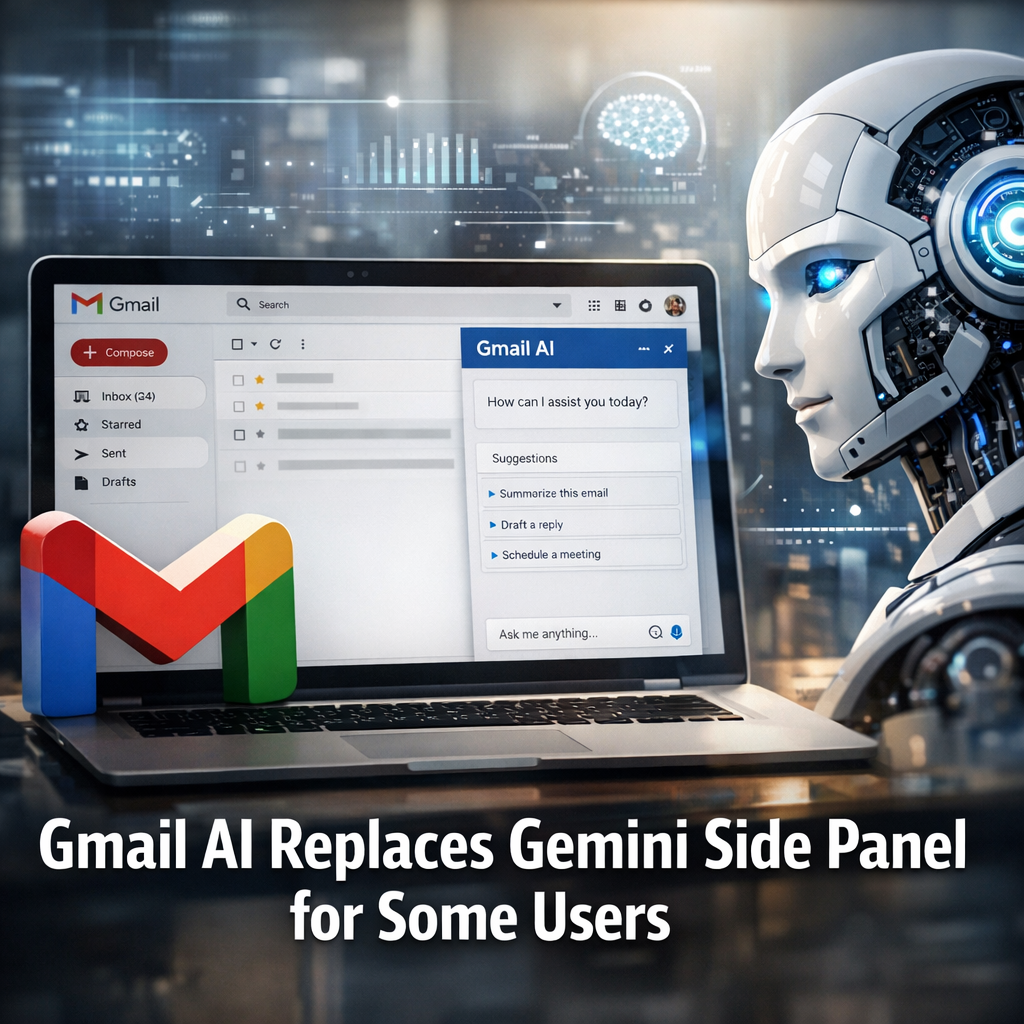
Google folds Gemini side panel into Gmail for some users
Google has begun replacing the Gemini-branded side panel in Gmail with integrated AI features for some users, according to reporting by 9to5Google. The change — which is rolling out to portions of Google Workspace and consumer Gmail accounts — removes the separate Gemini label in favor of AI tools embedded directly in the Gmail interface.
What changed and why it matters
The visible change is straightforward: users who previously accessed Gemini functionality through a distinct side panel may now find those capabilities surfaced inside Gmail’s primary UI without the Gemini name or separate panel. 9to5Google’s coverage indicates the switch is incremental and limited to certain accounts at this stage rather than a universal, immediate replacement.
For end users the difference is mostly about workflow and discoverability. Integrating AI features directly into the inbox can reduce clicks and simplify common tasks such as composing, summarizing long email chains, or generating reply suggestions. For Google, consolidating the experience can also reduce brand and product fragmentation — Gemini remains Google’s underlying large language model family, but the company appears to be moving away from a dedicated branded side panel toward tighter embedding of those model capabilities across Workspace apps.
How the rollout affects businesses and admins
Google Workspace administrators should watch the Admin console and Workspace release notes for controls that manage access to AI features. Historically, Google has used staged rollouts and admin toggles when introducing generative AI capabilities to Workspace, balancing feature exposure with enterprise governance, data residency and compliance concerns. Integrating Gemini capabilities directly into Gmail raises questions about logs, data retention and whether existing controls attached to the side panel will carry over unchanged.
Background: Gemini, Gmail and Google’s AI strategy
Gemini is Google’s family of large language models, positioned as the company’s primary generative AI technology across consumer and enterprise products. Over the past two years Google has nested Gemini features across Search, Docs, and other Workspace apps, often experimenting with UI treatments like side panels and assistants to surface capabilities without disrupting primary workflows.
Product experiments such as a branded side panel are common as Google tests user behavior and product fit. Consolidation of those experiments into mainline interfaces typically signals a maturing feature set and a decision to treat AI as a core capability rather than an optional add-on.
Industry and privacy implications
Bringing AI tools directly into Gmail streamlines user experience, but it also concentrates sensitive processing in the inbox. Privacy advocates and enterprise security teams will be watching whether the integrated features adhere to Workspace for Enterprise data controls. There is also a developer- and partner-facing dimension: companies that built tooling around the side panel may need to adapt if the panel’s APIs, extension points or branding change.
Analysts observe that the move is consistent with a broader industry trend: major cloud and productivity vendors are embedding AI primitives across core applications instead of isolating them in separate add-ons. This reduces friction for users but increases the importance of granular admin settings, audit trails and transparency about what data is sent to models and how it is used.
Expert perspectives and analysis
Product strategists and enterprise IT observers note three practical effects. First, users are likely to see faster uptake of AI-driven features when they are presented in the primary workflow rather than as an optional panel. Second, the change reduces brand confusion — users don’t need to learn separate product names when AI is simply part of Gmail. Third, the consolidation raises operational questions for IT teams about policy, monitoring and compliance.
For developers and partners, the critical question is whether Google will preserve extension points and APIs that allowed richer integrations with the prior side panel. Early indications from Google’s approach to Workspace AI suggest the company will provide managed ways to connect services, but the specifics will matter for third-party vendors that depend on side-panel hooks or branded experiences.
Conclusion and outlook
The replacement of the Gemini side panel with integrated Gmail AI features for some users is a deliberate move toward product simplification and deeper embedding of generative AI into everyday workflows. For most users it should mean faster access to drafting, summarization and suggestion tools; for IT and privacy teams it heightens the need for clear controls and documentation. Expect Google to continue iterating — with staged rollouts, admin toggles and updated developer guidance — as it refines how Gemini technology appears across Workspace.
About the Author