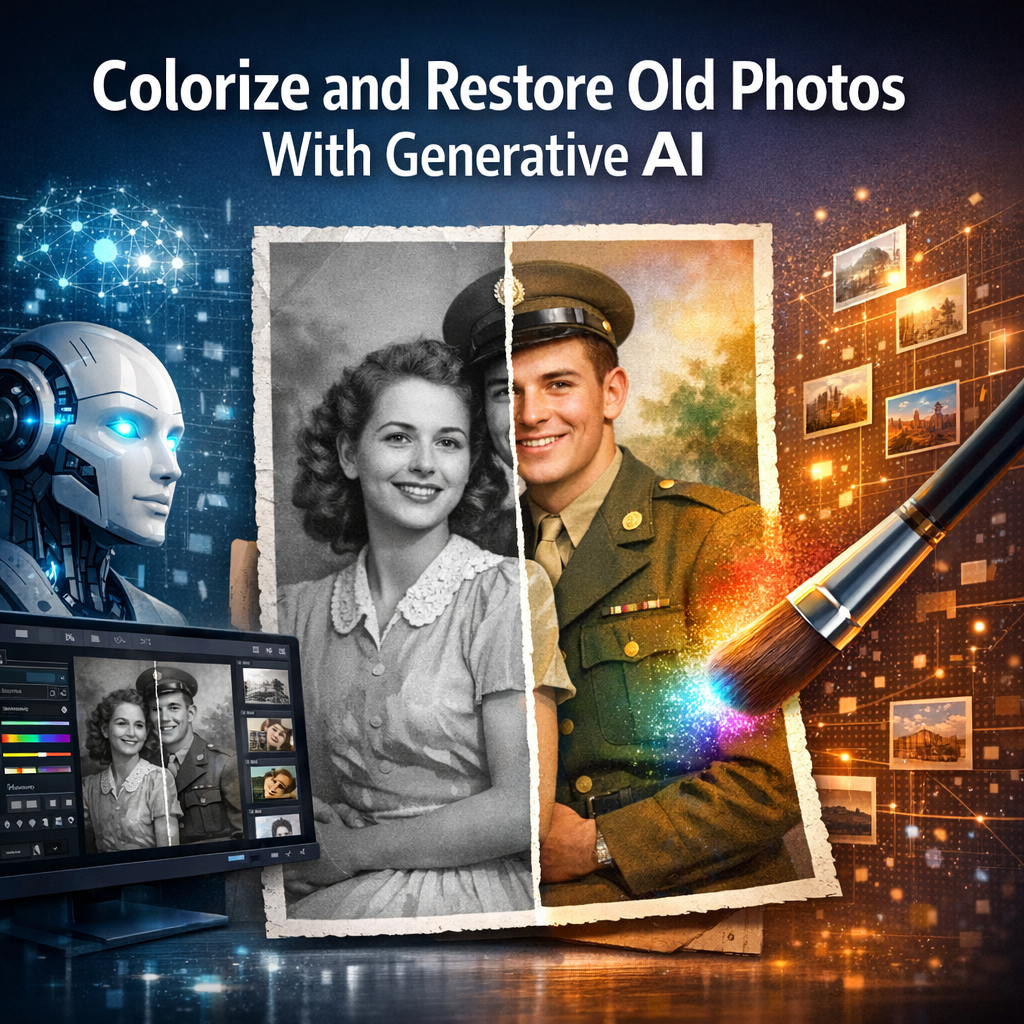
How generative AI is changing photo restoration
Generative artificial intelligence has moved from research labs into the hands of hobbyists and professional conservators, offering powerful new ways to colorize and restore old photographs. Techniques that once required painstaking manual work can now be performed in minutes using models trained on millions of images. That speed brings opportunities and risks: faster turnaround and impressive results on one hand, and questions about historical fidelity, provenance and hallucinated detail on the other.
Tools and technologies behind the revival
The modern toolset for photo restoration combines several classes of models. Generative adversarial networks, introduced in 2014 by Ian Goodfellow and colleagues, helped establish realistic image synthesis. In 2020 researchers popularized diffusion models and denoising approaches that proved even more stable for high-fidelity generation. By 2022, open-source releases such as Stable Diffusion and accessible projects like DeOldify put these advances into practical workflows.
Commercial products have also integrated these advances. Adobe Photoshop added AI-driven Neural Filters that include colorization and image repair; consumer services such as MyHeritage, Remini and Topaz Labs offer automatic colorization, enhancing and upscaling. DeOldify remains one of the best-known open-source options for photo colorization and enhancement, while tools like Topaz Gigapixel use AI for super-resolution and detail recovery.
Practical steps to colorize and restore archival photos
Follow a careful workflow to get repeatable, defensible results:
- Scan at high resolution: Start with the best possible digital capture. For prints and negatives, scan at 300–600 dpi or higher depending on size to preserve detail.
- Assess and document: Note provenance, date, and condition. Record the original scan and keep an untouched master file for archival purposes.
- Choose the right tool: For quick experiments, web services offer one-click colorization. For control and batch work, use DeOldify, Photoshop Neural Filters, or an image-to-image diffusion pipeline.
- Preprocess: Apply basic noise reduction and deskewing. For torn or missing areas, consider inpainting tools that let you mask and guide the model rather than fully regenerate regions.
- Colorize and refine: Run automatic colorization, then refine with selective masking, hue/saturation adjustments, and local dodging/burning to maintain skin tones and historically accurate colors.
- Super-resolve and denoise: Use AI upscalers or super-resolution modules to enhance small details, then apply conservative denoising to avoid smearing fine textures.
- Compare and validate: Keep the original next to the restored version. If the image has historical significance, consult family members or historians before finalizing colors.
Tips for better results
Use reference images from the same era for clothing, cars, uniforms and natural elements. When possible, perform incremental edits and save multiple checkpoints. For batch processing of large collections, scriptable tools (Python notebooks for DeOldify or command-line wrappers around Stable Diffusion) provide reproducibility.
Ethics, authenticity and limitations
AI models infer missing information and can introduce plausible but inaccurate details. That makes them powerful, but also risky for historical records. Experts caution that colorized photos should be labeled as such and preserved alongside originals. Museums and archives generally require documentation of any intervention; provenance metadata must indicate that AI tools were used.
Bias is another concern. Models trained on modern or Eurocentric datasets may miscolor skin tones or clothing. Conservators recommend cross-checking against primary sources and, for culturally sensitive material, seeking input from relevant communities.
Expert perspectives and industry context
Industry practitioners note that AI is a force multiplier rather than a replacement for craft. Conservators appreciate automation for repetitive tasks such as dust and scratch removal, but still rely on manual retouching and contextual knowledge for historically significant work. Open-source developers have emphasized transparency: projects like DeOldify publish code and model weights so users can understand and reproduce results, while commercial vendors prioritize ease of use and customer support.
Conclusion: When and how to use AI for photo restoration
Generative AI has made colorizing and restoring old photos faster and more accessible than ever. For personal and exploratory projects, automated tools deliver impressive results with minimal effort. For archival, legal or culturally important images, combine AI with conservative, well-documented conservation practices and expert review. Looking ahead, expect models to improve at context-aware colorization and reduce artifacting, but also anticipate ongoing debates over authenticity and the responsibilities that come with altering visual records.
About the Author